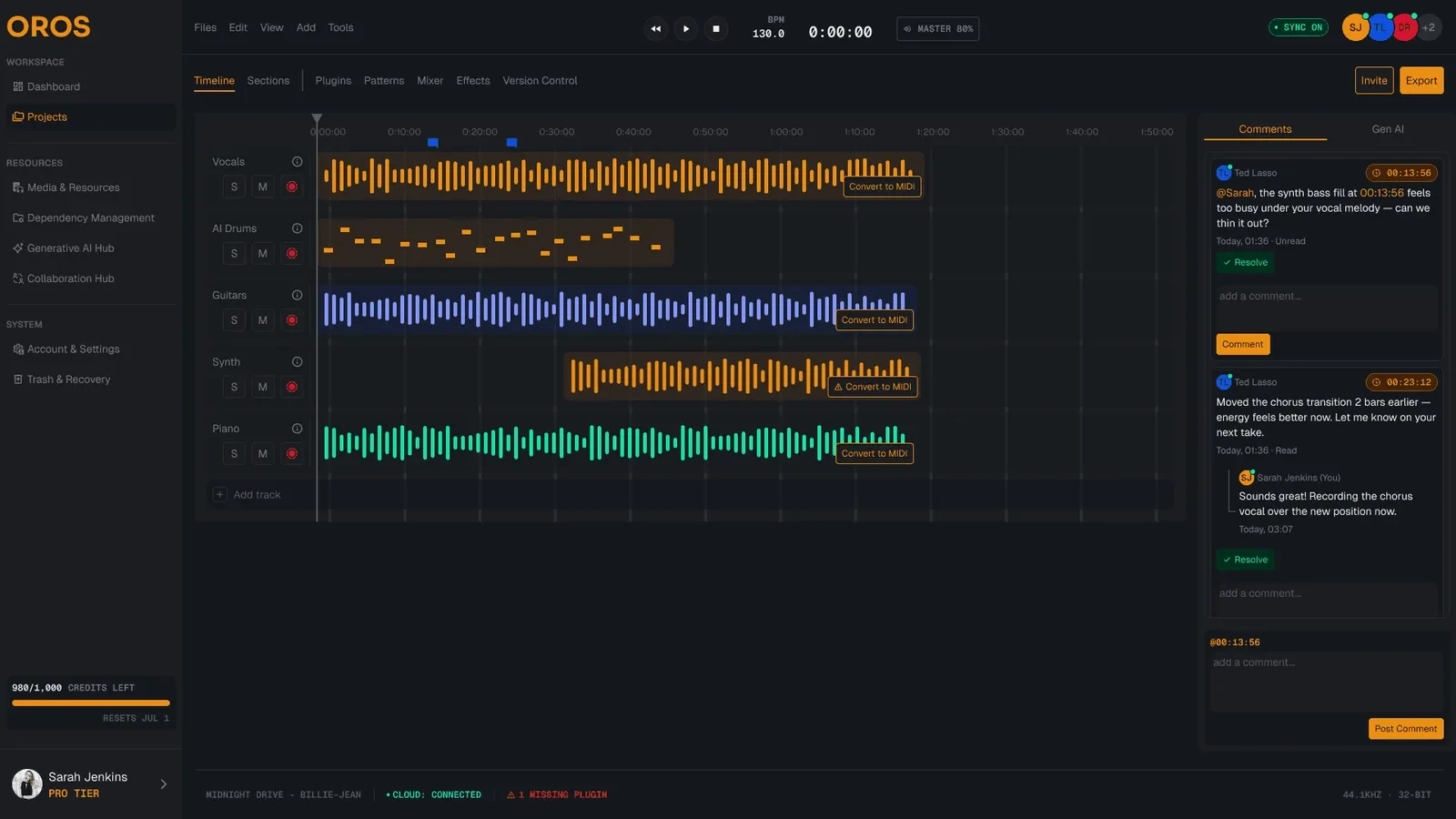
AI-generated audio is a dead end for producers.
After generating a track with AI, a producer is stuck with a flat audio file. They can’t isolate the kick drum, fix a wrong note or change a chord. Sharing ideas with collaborators still means exporting heavy audio files and hoping everyone has the same plugins installed.
- AI audio can’t be edited
- Tools like Suno generate a finished audio file. A producer can’t change a single note or swap the instrument.
- Converting it is a gamble
- Turning that audio into MIDI, the editable note data music software uses, depends on an imperfect extraction.
- Missing plugins break collaboration
- When a bandmate doesn’t own the same plugin, their copy of the session plays silent.
Producers already use AI, then rebuild its output by hand.
I ran a survey of 32 active music producers and follow-up interviews with 3 of them. One interviewee, a co-producer who records vocals and writes with a remote band, became the persona every flow is built around: Sarah Jenkins, indie-pop co-producer.
53%have 8+ years of professional experience
75%rated built-in MIDI and preset generation as “Essential” or “Useful”
Producers rejected my storyboard timeline.
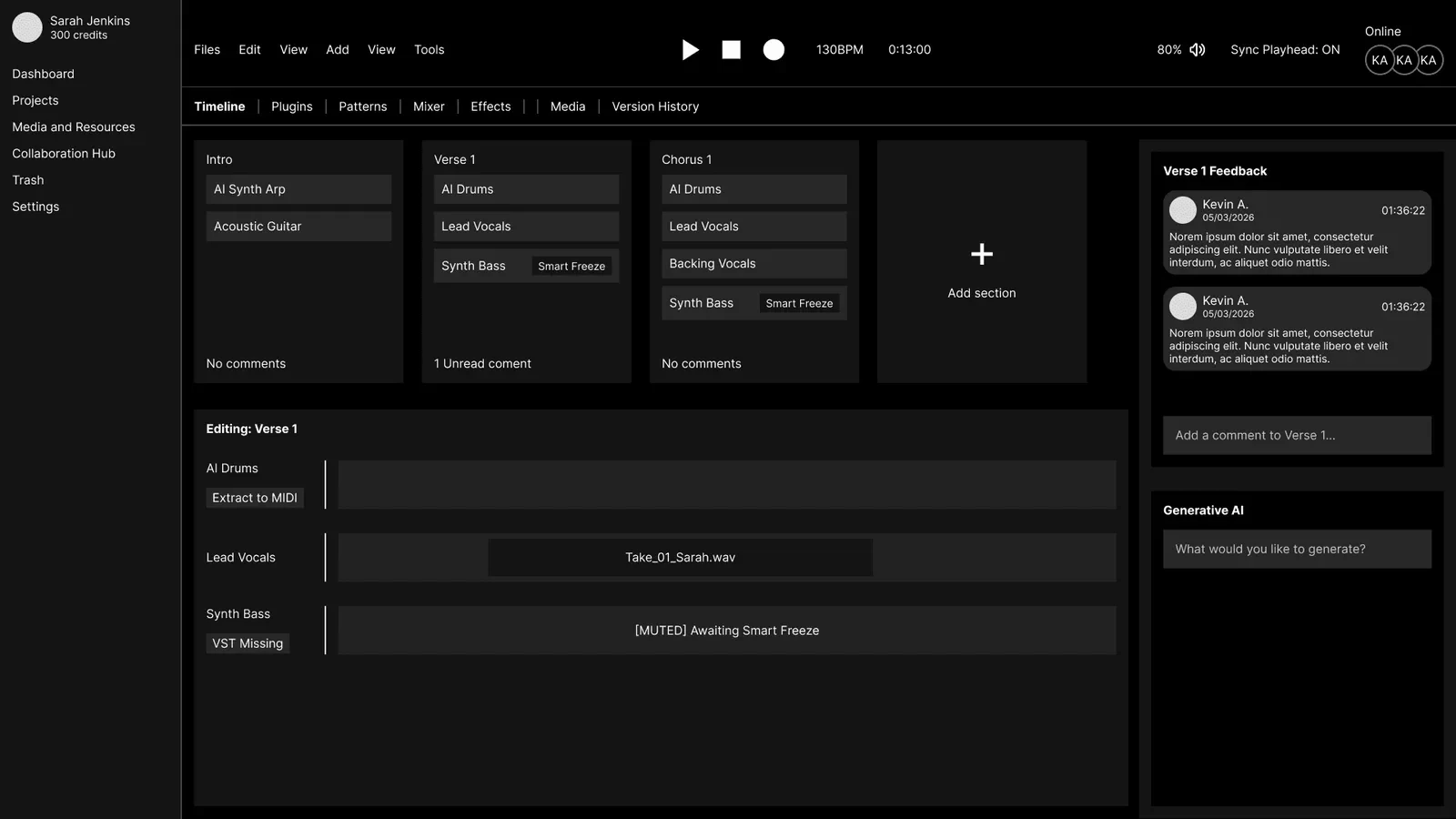
Early on, I designed a “storyboard” layout: the timeline split into song sections, such as verse and chorus, with a section picker that focused the editor on one block at a time. Comments would attach to a section instead of an exact moment.
I tested the wireframe with active producers, and the answer was clear: it broke their workflow. Producers rely on years of muscle memory with the standard linear layout of music software.
I dropped the storyboard and went back to the standard layout. AI generation, MIDI conversion and comments became part of normal track behavior, and comments attach to an exact timestamp.
Every idea starts from a selection, not a blank prompt.
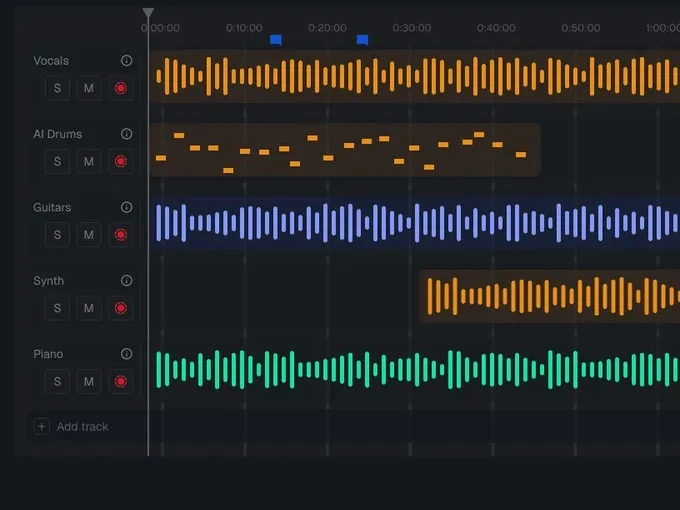
The producer highlights part of the timeline and describes what she wants, for example a driving four-on-the-floor drum loop. Oros generates a new audio track that fits exactly that range. It plays back right away with the rest of the session, like a recorded take, with no import step.
A missing plugin no longer means a silent track.
If one bandmate writes a synth part with Serum and another doesn’t own Serum, most music software loads that track silent. In Oros, the collaborator still opens the session, hears the part through a built-in instrument, and can edit the notes underneath.
To hear the exact original sound, she selects Smart Freeze on that track. The original sound is rendered on Oros’s servers, so Smart Freeze is a paid feature, and a prompt asks her to upgrade first.
AI audio converts to notes you can edit.
If the AI drum part doesn’t fit, the producer selects Convert to MIDI on that track. A short confirmation appears, since conversion uses AI credits like any AI action. Oros extracts the notes and how hard each one is hit, and the track opens in the piano roll under the timeline, without leaving the session.
Comments pin to the exact second.
Remote feedback breaks down at “the guitar part near the bridge”, because nobody agrees where the bridge is. In Oros, selecting any point on the timeline adds a comment pinned to that exact second.
When a bandmate re-records a take based on a comment, his reply goes in the same thread. The person who commented marks it resolved, and it leaves the list, so the panel only shows what’s still open.
Every screen ties back to one of Sarah’s user stories.
I built Oros in Figma with a full dark design system, every component state, and all main user flows prototyped end to end.